Blog
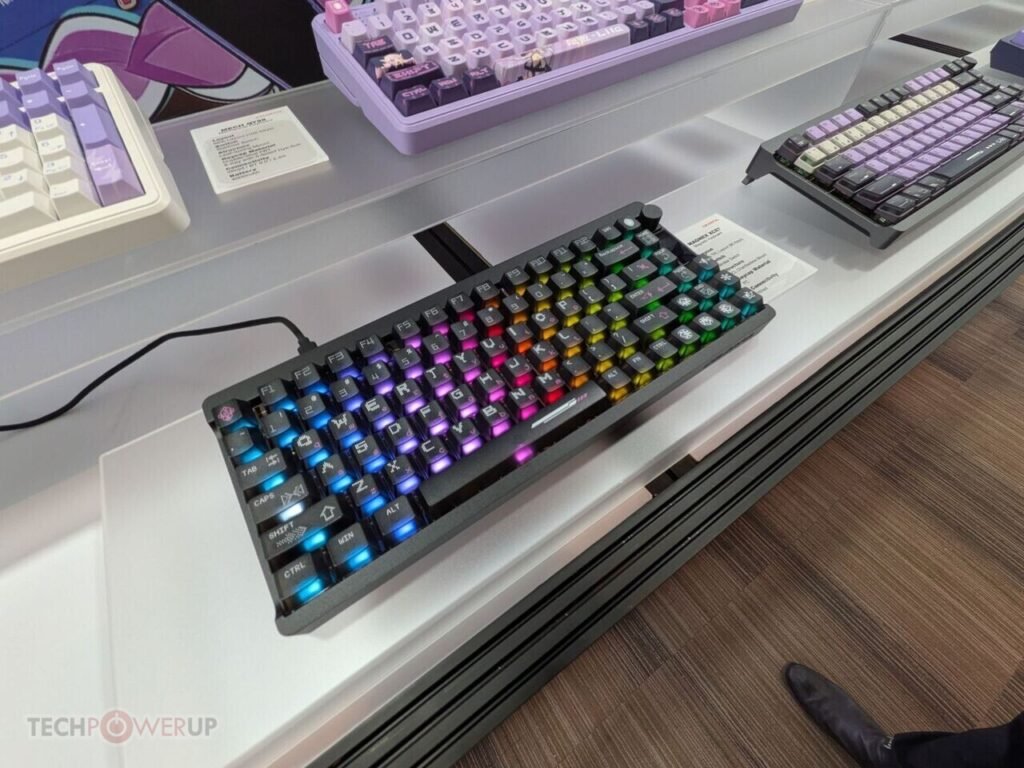
Wooting Updates Hall Effect Keyboards with Per-App Custom Profile Capabilities

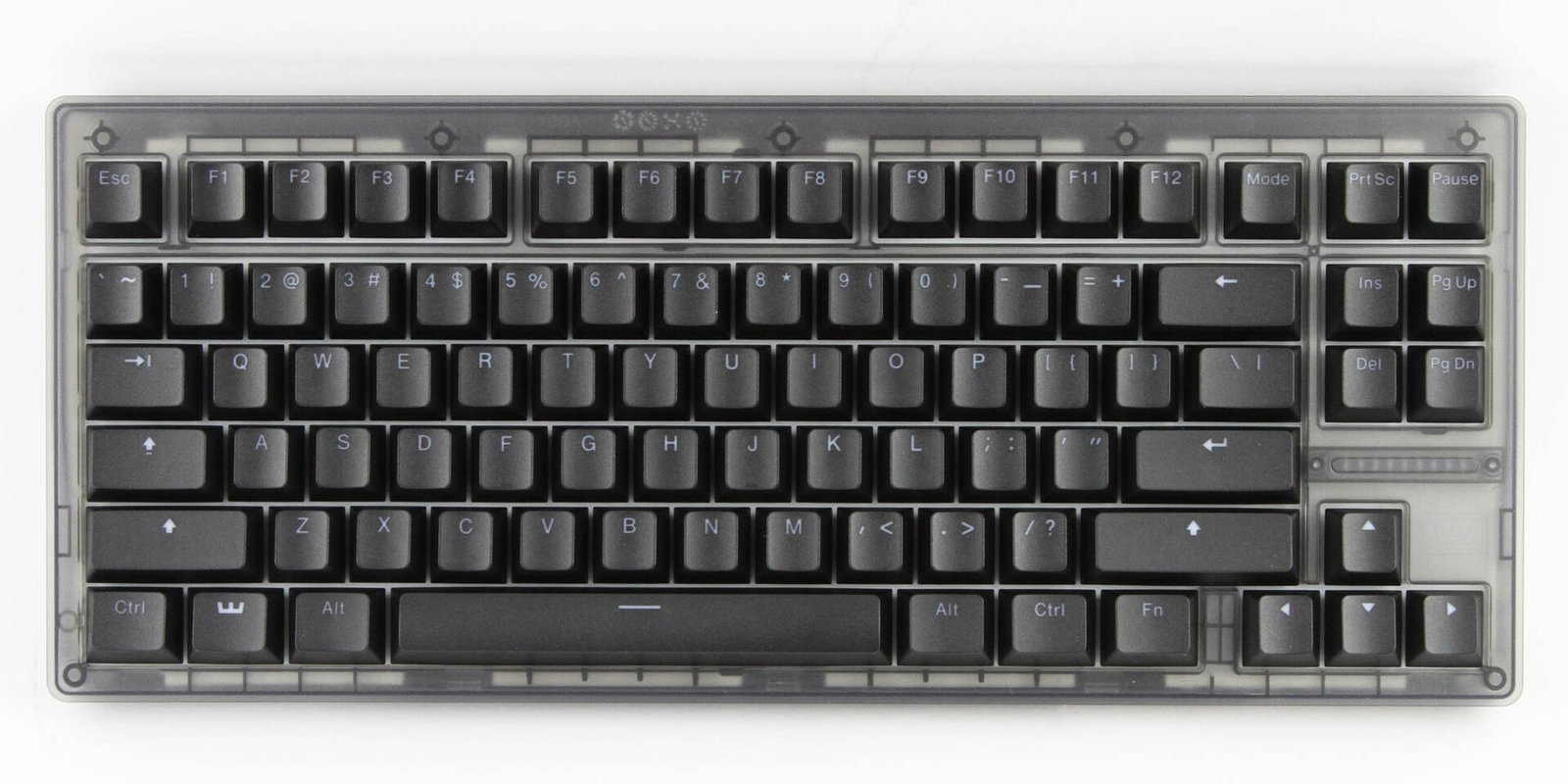
Wooting’s profiles control everything from actuation points, features like RT, SOCD, and analogue input, to key mapping and RGB lighting. This means you could set up a Wooting 80HE or 60HE to act like a macro pad while something like a video editor or CAD suite is focussed, a regular office keyboard with a lower polling rate and reasonable actuation point when word processors or web browsers are open, and a high-performance gaming keyboard with 8 kHz polling, RT, and a 0.1 mm actuation point when in games. One caveat with this background service functionality is that it currently does not work with Wayland on Linux, since that display server, since apps are generally isolated under Wayland, and support for features like this is spotty at best on Wayland. The Wooting support team is engaging with the community about Wayland support on Linux, and it seems as though the development team will look into supporting certain desktop environments, like KDE.