
Blog
ASUS ROG Xbox Ally Gets Improved Desktop Navigation via Game Bar’s Gamepad Cursor

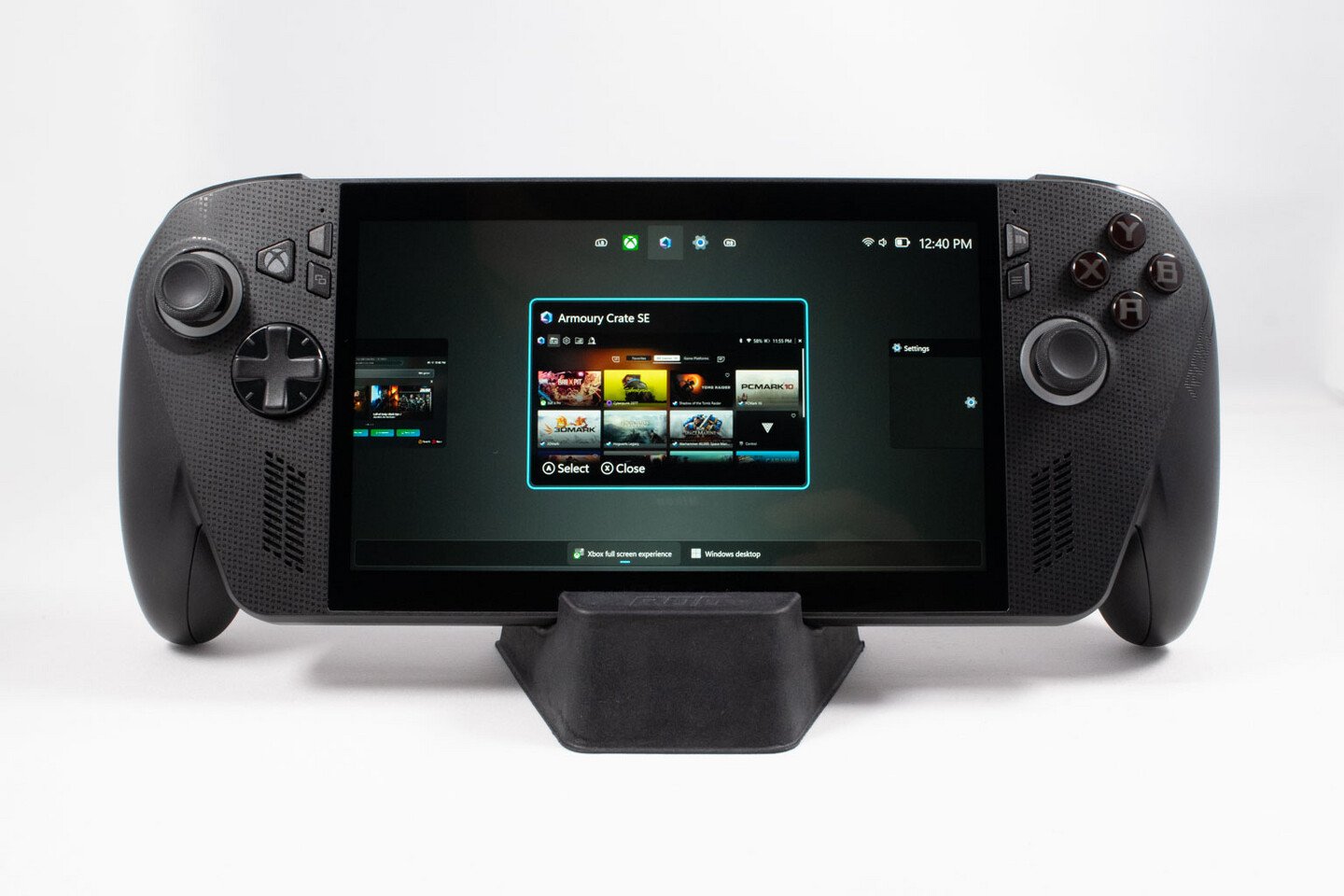
Aside from SteamOS being more tailored to the gaming handheld form factor, one of the Steam Deck’s major differentiating factors is its trackpads, which make navigating desktop mode significantly less painful than it would otherwise be. While this trait is shared by the likes of the Lenovo Legion Go, it is not present on the ASUS ROG Xbox Ally and Xbox Ally X, making navigating Windows more challenging. Finally, though, as spotted by ROG Ally Life, the Xbox Game Bar has introduced an option to use the left thumb stick as a mouse cursor in desktop mode. 
[Editor’s note: Our in-depth review of the ASUS ROG Xbox Ally X is now live]
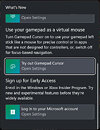
For the time being, this feature is limited to the Xbox Game Bar Insider Program, but it should make it to the mainline release version soon enough if no major bugs are spotted. After the toggle is enabled in Game Bar, players can move the cursor with the left analog stick and click with the A button on the controller. This is also only the latest in Microsoft’s recent efforts playing catch-up with the competition on the Windows front, with the company recently announcing both a new initiative to improve the quality of Windows 11 and beginning to implement better RAM management across the operating system.
Related Posts

Kit Close-Up: Checking Out the ASUS AI SuperBuild
Certain MCPs can manipulate local data and never go to the cloud. Other utilize cloud data and potentially cloud process...

Using AI in the PCB Design Game
I am Editor of Electronic Design focusing on embedded, software, and systems. As Senior Content Director, I also manage ...

The UX of Contrast: Lessons from Indika’s Game Design
2. Sound: When a Prayer Sounds Like a RewardSound in Indika runs on the same contrast logic as the UI, and it’s easiest ...

Design system debt, game UX, 39 principles for AI interaction | by Fabricio Teixeira | Jul, 2026
Weekly curated resources for designers — thinkers and makers.

Game UX: the cursor that wasn’t supposed to be there
A data-backed investigation into one of console gaming’s most debated design patterns. Where it came from, who kept using it,...
Microsoft Previews DirectX Crash Dump Feature for Game Devs
Microsoft on Friday released a feature that lets game developers better assess game crashes at the graphics API level, w...
New Friendslop Game “Meccha Chameleon” Earns 5 Million Sales in 10 Days
Meccha Chameleon is a new multiplayer "friendslop" hide and seek game that launched on June 9 and sees players conceal t...

Most Read – UK & Japan, Arm game, SpaceX IPO
And there’s also Arm developing a game called Neural Dawn, and Kioxia becom...
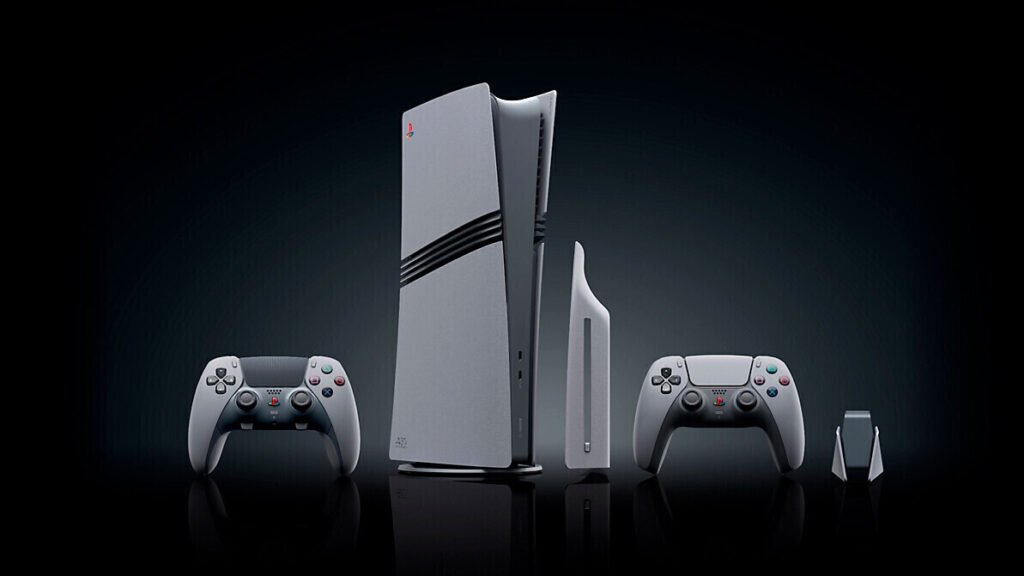
PlayStation Exec Says PC Game Ports Not Ruled Out, Insider Rumors Argue There Is No Ambiguity
There has been much commotion when it comes to console vs. PC game release strategies from both Sony's PlayStation and M...
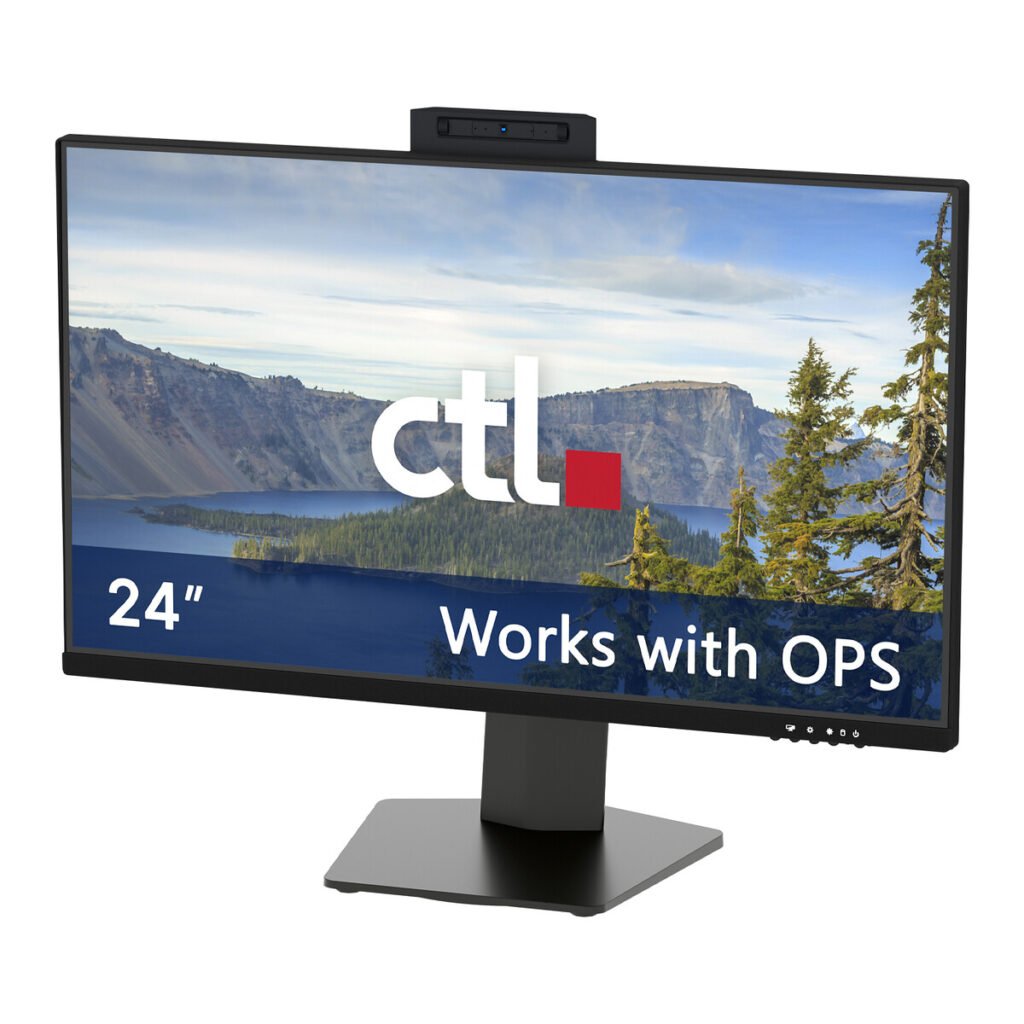
CTL Launches New OPS Desktop Monitor Alongside New CTL All-in-One Computers with ChromeOS
CTL, an EdTech lifecycle products and services provider, today announced an expansion of its product ecosystem with the ...
Xbox Exec Addresses Claim of Console Exclusive Backtrack: “These Rumors Are False”
It was recently revealed by Xbox CEO, Asha Sharma, after many rumors and hints that it would be going in that direction,...
Xbox Game Studios At Risk of Closure As Some Seek Buyout Deals
It appears as though Xbox's recent financial troubles, which are expected to result in layoffs in July, may also result ...