Blog
AMD Radeon GPU Driver Update Breaks Zero RPM Mode for Several Users

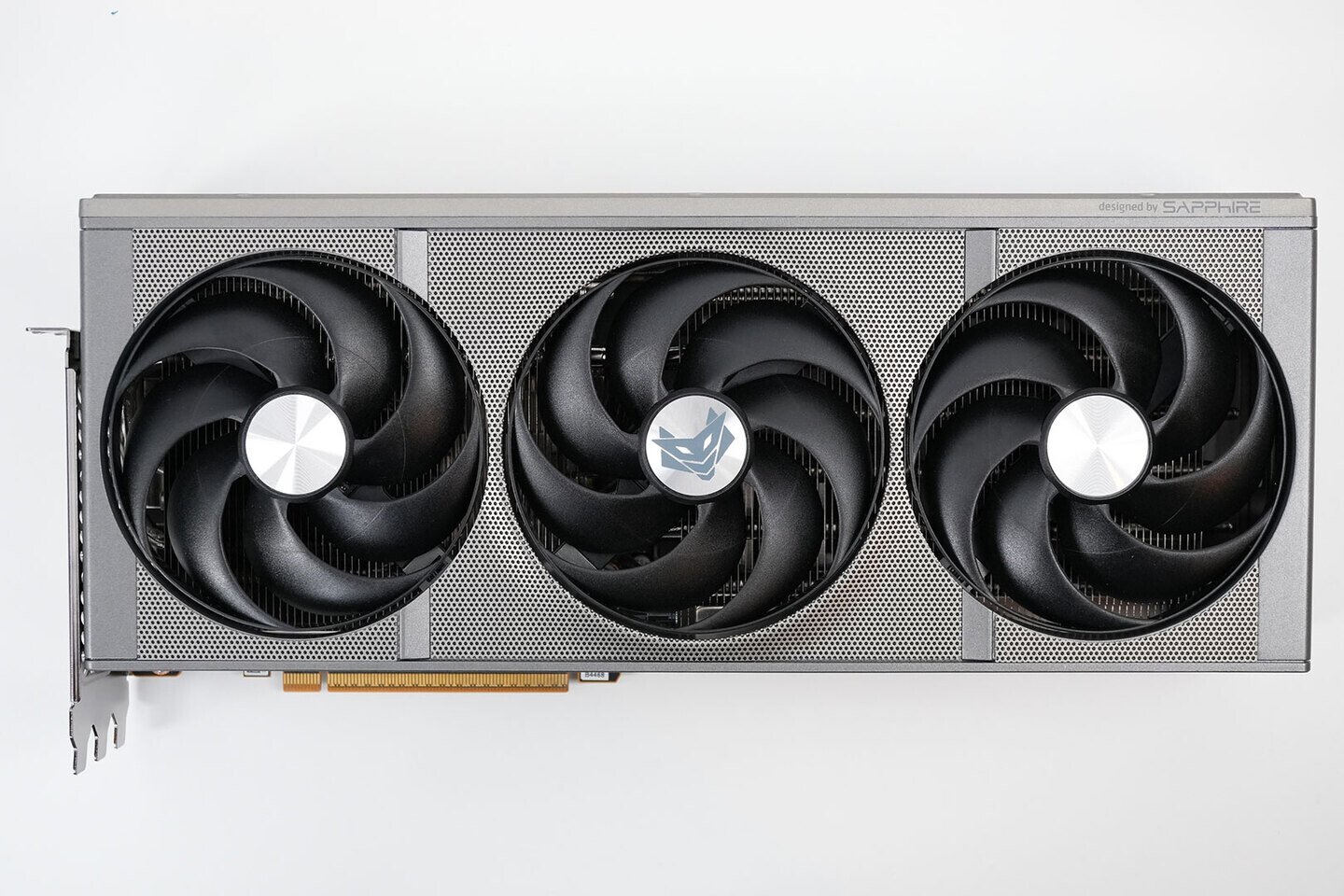
When users upgrade from Adrenalin 26.3.1 to the 26.5.1 WHQL drivers, Reddit users report that Zero RPM doesn’t function as expected. Once the monitor goes to sleep, Zero RPM is activated as it should be. However, when the monitor is turned back on, Zero RPM remains active and does not deactivate, leading to a situation where GPU temperatures can rise while the GPU is stuck in Zero RPM mode. There are two solutions to this issue: one is immediate, and the other requires a fresh driver installation. Users can either reboot the system to restore normal operation or use the AMD driver removal tool or Display Driver Uninstaller (DDU) to completely remove all older GPU fan profiles and settings. This means that old fan profiles from the previous driver version must be reset with each new driver installation.
While this issue can be resolved, it is not particularly user-friendly. Many users report that the only way to fix it is by using DDU to remove old drivers and install the latest driver version, or by rolling back to the 26.3.1 drivers. Some have explicitly turned off Zero RPM mode to avoid these problems. Even though AMD released Adrenalin 26.5.2 WHQL drivers yesterday, there were no noticeable fixes for the Zero RPM mode issue. Perhaps the next release will provide a solution, or there may not be enough cases worldwide to prompt a fix. Please share your experiences in the comments.