
Blog
Intel Arc GPU Graphics Drivers 101.8826 WHQL Released

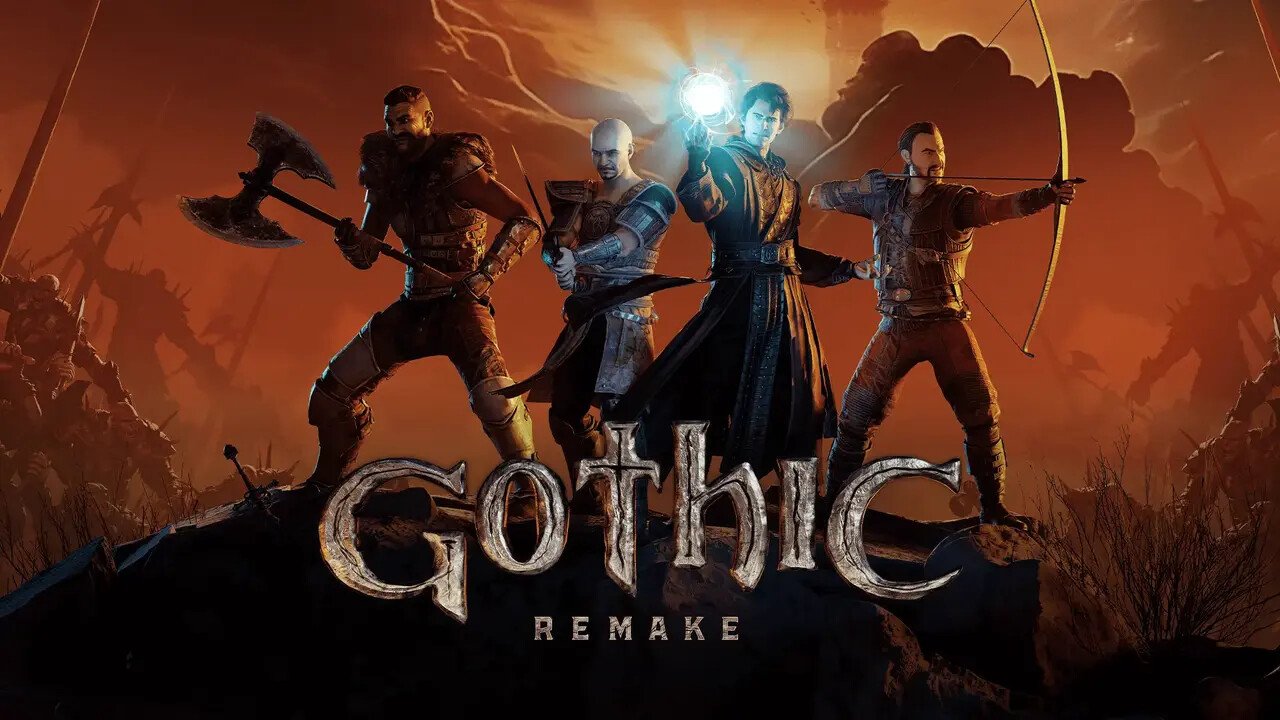
Intel earlier this week released the latest version of the Arc GPU Graphics drivers. Version 101.8826 WHQL comes with optimization for “Gothic 1 Remake,” “F1 25: 2026 Season,” and “Fortnite Chapter 7: Season 3.” The drivers fix glaring issues with XeSS frame generation causing visual tearing during gameplay, with its Core Ultra Series 3 (Xe3 Celestial) iGPU, Arc B-series “Battlemage” discrete GPUs, Arc A-series “Alchemist” discrete GPUs, and the iGPUs of Core Ultra Series 1 “Meteor Lake,” and Series 2 “Arrow Lake” processors.
DOWNLOAD: Intel Arc GPU Graphics Drivers 101.8826 WHQL
Game Ready
- Gothic 1 Remake
- F1 25: 2026 Season
- Fortnite Chapter 7: Season 3
Fixed Issues:
- Intel Core Ultra Series 3 with built-in Intel Arc GPUs:
- When using Frame Generation, games may exhibit visual tearing during gameplay.
- Intel Arc B-Series Graphics Products:
- When using Frame Generation, games may exhibit visual tearing during gameplay.
- Intel Arc A-Series Graphics Products:
- When using Frame Generation, games may exhibit visual tearing during gameplay.
- Intel Core Ultra Series 1 with built-in Intel Arc GPUs:
- When using Frame Generation, games may exhibit visual tearing during gameplay.
- Intel Core Ultra Series 2 with built-in Intel Arc GPUs:
- When using Frame Generation, games may exhibit visual tearing during gameplay.
Known Issues:
Intel Core Ultra Series 3 with built-in Intel Arc GPUs:
- Mafia: The Old Country (DX12) may experience an application crash during gameplay.
- Marathon (DX12) may exhibit intermittent corruption on certain objects during gameplay when using Anisotropic Filtering.
- Apex Legends (DX12) may exhibit flashing corruption on certain maps during gameplay.
- Indiana Jones and the Great Circle (DX12) may experience a crash when path tracing is enabled.
- Borderlands 4 (DX12) may experience an intermittent application crash during gameplay.
Intel Arc B-Series Graphics Products:
- Marathon (DX12) may exhibit intermittent corruption on certain objects during gameplay when using Anisotropic Filtering.
- Apex Legends (DX12) may exhibit flashing corruption on certain maps during gameplay.
- Indiana Jones and the Great Circle (DX12) may experience a crash when path tracing is enabled.
- Borderlands 4 (DX12) may experience an intermittent application crash during gameplay.
- PugetBench for Adobe Premiere Pro may experience an intermittent application crash while running the benchmark in the extended preset.
- PugetBench for Davinci Resolve Studio may experience an intermittent application crash while running the benchmark. Recommendation is to change the timeout slider to 1500 seconds or higher, to wait for each test to complete, in PugetBench benchmark settings.
Intel Arc A-Series Graphics Products:
- Marathon (DX12) may exhibit intermittent corruption on certain objects during gameplay when using Anisotropic Filtering.
- Apex Legends (DX12) may exhibit flashing corruption on certain maps during gameplay.
- Indiana Jones and the Great Circle (DX12) may experience a crash when path tracing is enabled.
- Borderlands 4 (DX12) may experience an intermittent application crash during gameplay.
- PugetBench for Davinci Resolve Studio may experience an intermittent application crash while running the benchmark. Recommendation is to change the timeout slider to 1500 seconds or higher, to wait for each test to complete, in PugetBench benchmark settings.
Intel Core Ultra Series 1 with built-in Intel Arc GPUs:
- Marathon (DX12) may exhibit intermittent corruption on certain objects during gameplay when using Anisotropic Filtering.
- Apex Legends (DX12) may exhibit flashing corruption on certain maps during gameplay.
- Indiana Jones and the Great Circle (DX12) may experience a crash when path tracing is enabled.
- Borderlands 4 (DX12) may experience an intermittent application crash during gameplay.
Intel Core Ultra Series 2 with built-in Intel Arc GPUs:
- Marathon (DX12) may exhibit intermittent corruption on certain objects during gameplay when using Anisotropic Filtering.
- Apex Legends (DX12) may exhibit flashing corruption on certain maps during gameplay.
- Indiana Jones and the Great Circle (DX12) may experience a crash when path tracing is enabled.
- Borderlands 4 (DX12) may experience an intermittent application crash during gameplay.
Intel Graphics Software Known Issues:
- When using the settings, preferences, reset all settings option in Windows 10 the application may experience an intermittent crash.
- Settings can be reset from individual pages without issue.
- Intel Graphics Software may sometimes experience a single application crash on the first re-arrange of metrics within the select metrics window. Subsequent usage will not be affected by this crash again.
- Performance page in Intel Graphics Software may not hide the graphs when using the hide graphs button.
- Performance page in Intel Graphics Software may not function as expected when adding new metrics.
Related Posts

ASRock Edge AIoT Platforms Bring Intel Bartlett Lake to Rugged Industrial AI
The AI landscape over the last decade has shifted from the cloud to the edge. Industries are no longer exploring AI’s ca...
AMD FSR Upscaling 4.1 Officially Released for Radeon RX 7000 GPUs
AMD has officially released the RDNA 3-focused FSR Upscaling 4.1 model for the Radeon RX 7000 series of graphics cards. ...
AMD Releases Adrenalin Edition 26.6.2 WHQL Drivers
AMD has released its latest Adrenalin Edition 26.6.2 WHQL Drivers today, bringing FSR Upscaling 4.1 to the RDNA 3 GPU fa...
Intel to Revive “Raptor Lake Next” Even for Gaming Notebooks to Soak Up DDR4 SODIMM Inventory
Last week, it was reported that Intel is bringing back its Core "Raptor Lake" client microarchitecture a second time und...

AEWIN Launches NCT802 8-port 10GbE Network Expansion Modules with Intel E610 Controllers
AEWIN is glad to launch our new member of AEWIN Network Expansion Module, the NCT802. Built upon Intel Ethernet Controll...

Intel Appoints Seok-Hee Lee as Executive Vice President of Intel Foundry
Intel Corporation today announced the appointment of Seok-Hee Lee as executive vice president of Intel Foundry, reportin...
AceMagic Intros Kron Mini K5 Mini PC Powered by Intel “Wildcat Lake” Processor
AceMagic on Wednesday launched the Kron Mini K5, a compact mini PC powered by Intel Core 5 320 "Wildcat Lake" mobile pro...
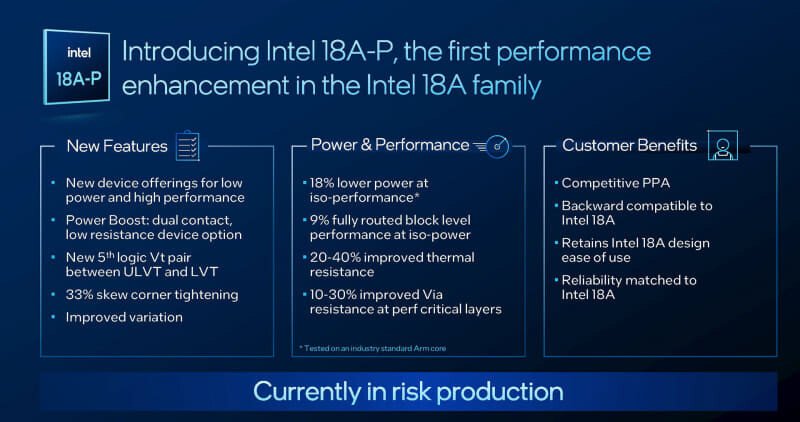
Intel Details 18A-P Foundry Node Powering Next-Gen Xeon “Diamond Rapids” Processor
At the VLSI Symposium held in Hawaii, Intel unveiled the new Intel 18A-P foundry node, a significant refinement of the I...
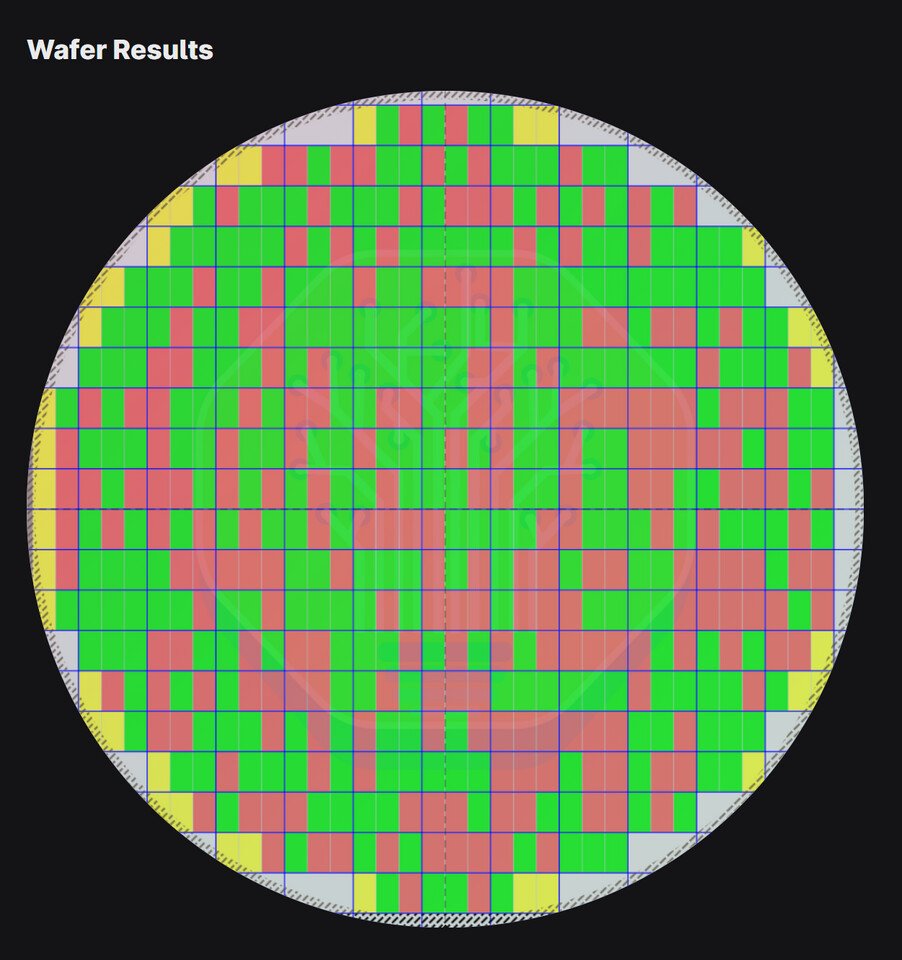
Intel 14A Yields Hit Impressive Milestone Before Trial Production
According to the latest research f...

MSI Claw 8 EX AI+ Price Leaks: $1,800 Intel Arc G3 Extreme Gaming Handheld
MSI revealed the new Intel Arc-powered Claw 8 EX AI+ gaming handhelds shortly ahead of Computex 2026, but pricing was st...
Intel Readies Core “Raptor Lake Next” Socket LGA1700 Processors for 2027
Since the 13th Gen Core "Raptor Lake" microarchitecture already got its refresh with the 14th Gen Core "Raptor Lake Refr...