Blog
Microsoft’s Windows 11 UI Is About to Get Much More Responsive

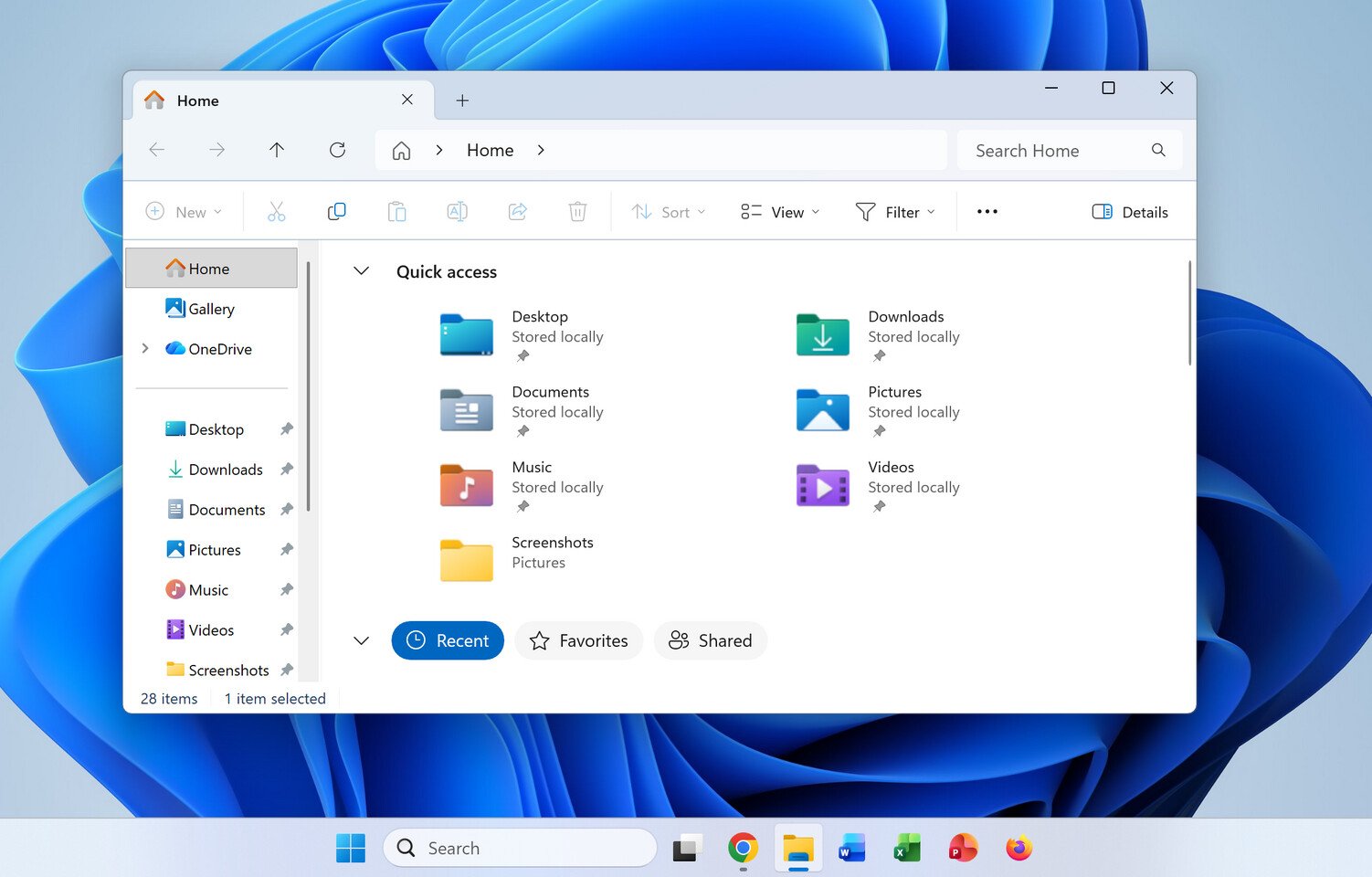
For example, the latest WinUI 3 patches enable 41% fewer allocations, 63% fewer transient allocations, 45% fewer function calls, and 25% less time spent in the WinUI code powering the framework. This means that the upcoming File Explorer patch should feel noticeably faster with the updated framework, delivering on a promise to make the Windows 11 user interface a much smoother experience. As these changes are expected to be integrated into the WinAppSDK 2.x soon, we should see them arrive in the operating system in the coming weeks. Some changes are still too risky to implement in such a large piece of software, so users will need to wait a bit longer in case the testing encounters issues.
Currently, Windows 11 is a mix of legacy Microsoft frameworks for the user interface. This jumble of UIs has led to a lot of inconsistency, with daily operations encountering non-uniform interfaces carried over from the Windows 7 era. This mix includes web-based WebView2, React, and others. Microsoft plans to transition its entire user experience to the desktop-only WinUI 3 framework, which will reduce application latency, improve user experience, and make it feel noticeably smoother. All of this fine-tuning is being done alongside the “Low Latency Profile,” which boosts the CPU frequency to its maximum state for 1-3 seconds to open applications faster and make the OS feel much smoother overall.