Blog
Windows 11 Updates Can Now Be Skipped and Even Paused Indefinitely

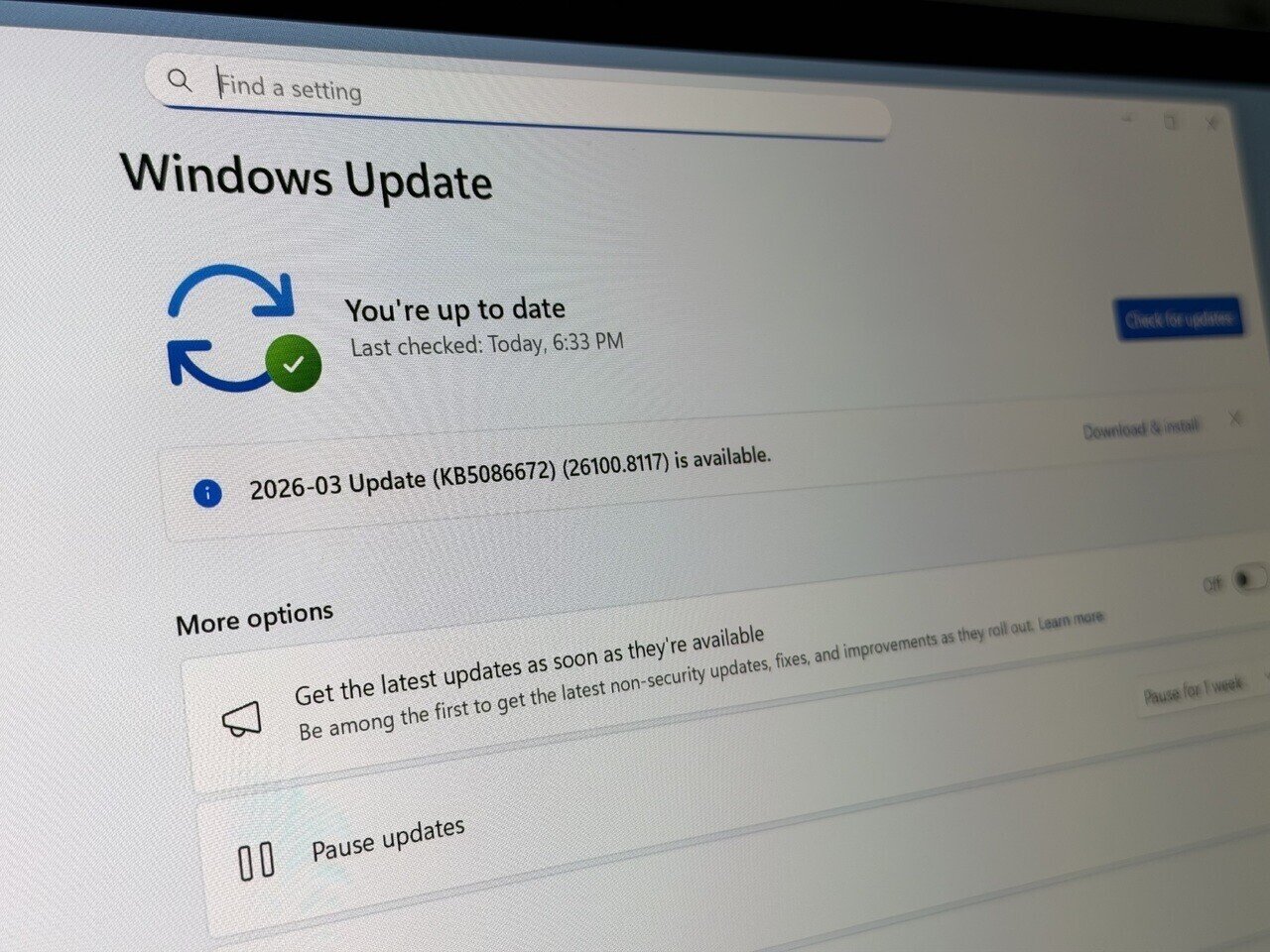
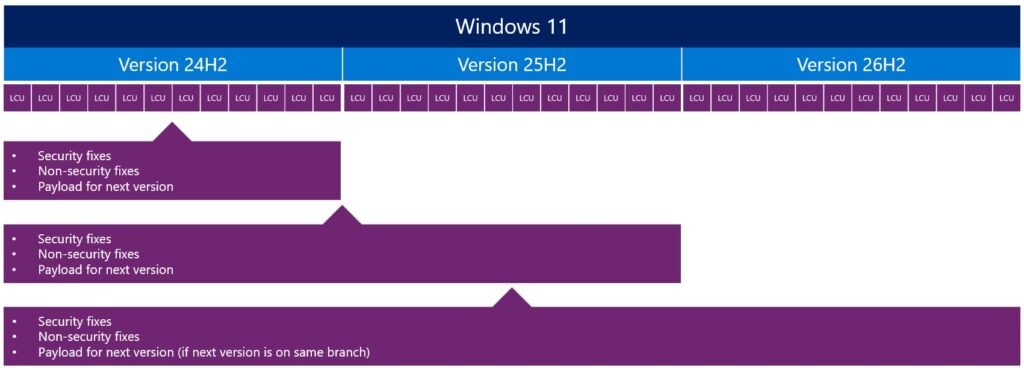
Additionally, Microsoft is now allowing users to pause Windows 11 updates in the settings with a dedicated calendar that extends up to 35 days. This ensures you have ample time to schedule an update session without disrupting your workflow. However, the 35-day mark is not a hard stop, as users can re-pause updates for another 35 days even after the original period has expired, essentially allowing updates to be paused indefinitely. There are no limits on how many times you can reset this pause date, giving you full control over the entire update process. This could be especially useful when a new update series arrives, and you want to wait and see if there are any OS issues or known problems before applying the update. For example, in the latest Windows 11 April update, some PCs might experience a BitLocker trigger, but this will be resolved in a future fix. Users can wait a few days for a fix to arrive and then install updates all at once without being forced to do so immediately.
Last but not least, Microsoft is also introducing a highly-requested feature related to power settings. Traditionally, when an update is installed, the power menu gives users the options to “Update and restart” or “Update and shut down,” alongside the “Lock” and “Sleep” options. However, the new update will ensure that the regular “Shutdown” and “Restart” options are always present, without the OS forcing you to apply the patch right away. Your OS update can be installed, but you can restart or shut down the device without a mandatory application, so if you need to get something done quickly, the OS won’t stand in your way. Finally, the Redmond-based giant is also promising more transparency with updates, especially regarding drivers. As system driver updates sometimes carry little information about what is updated, Microsoft is promising improvements in this area as well.