
Blog
Microsoft Issues Emergency Fix for Windows 11 Update Installation Errors

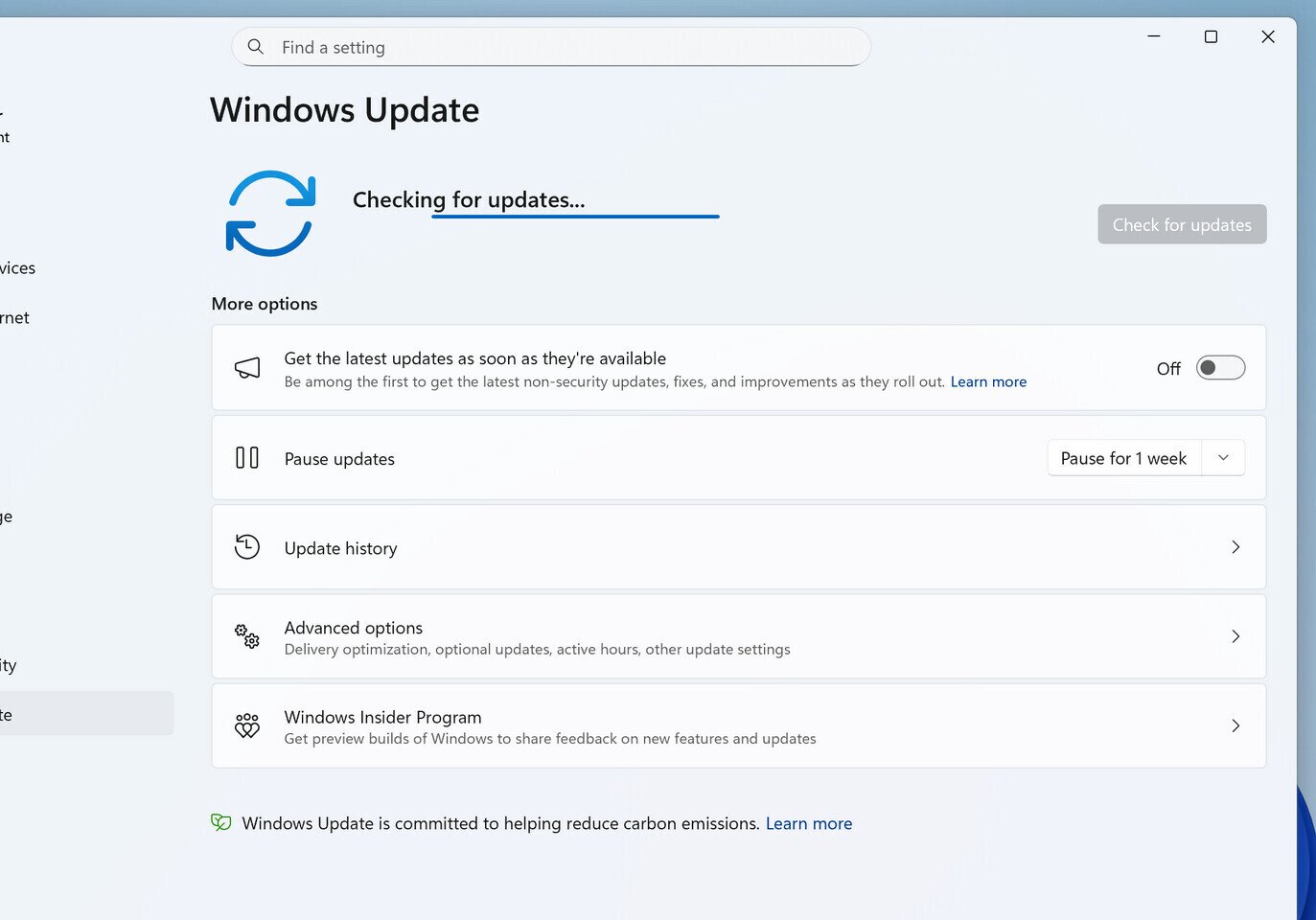
Late last week, Microsoft released its KB5079391 non-security feature update for Windows 11, which was officially pulled due to widespread installation errors. Today, the company is issuing the out-of-band KB5086672 update to address this problem, as Microsoft has identified the source of the issue and the update can now be safely applied. This latest out-of-band KB5086672 update includes the KB5079473 package released on March 10, KB5085516 released on March 21, and the previously pulled KB5079391 released on March 26. Microsoft has combined all of these into the new KB5086672 package, which addresses the issues that appeared and introduces a variety of new features. Finally, the old installation error message, “Some update files are missing or have problems. We’ll try to download the update again later. Error code: (0x80073712),” has been resolved for good. 
Microsoft notes that this out-of-band update is available through Windows Update for devices running Windows 11 that have already installed KB5079473 or a later update. It is also available for manual download from the Microsoft Update Catalog. Currently, there are no known issues with this update, and if any arise, Microsoft will highlight them on their support documents website. Interestingly, KB5086672 is one of the first steps by Microsoft toward resolving the issues users have experienced with Windows 11 updates, and hopefully just the beginning of the overhaul that Microsoft has promised. Future non-security feature updates could also focus on other quality-of-life improvements, and installation errors should become less common.
Related Posts

B+N Industries Builds Its Modular Systems to Keep Evolving After Installation
On a modular wall from B+N Industries, an open...

Can Embedded Passives Fix AI’s Power Delivery Problem?
Most of the big names in power electronics are chasing the same challenge: Developing voltage regulators that can handle...

AI has a hospitality problem money can’t fix
Technological efficiency meets high-end service: a luxury hotel lobby where AI-driven recommendations are seamlessly integrat...

Jordan Soderberg Mills Installs Prismatic Chapel Windows
The phenomenon of light—in all its glory—is central to Jordan Soderberg Mills’ oeuvre. He has c...
Chylak Lace Installation Transforms Baum und Pferdgarten
During design festivals, installations and pop-ups are not an uncommon sight. Milan Design Week...
Historic Philadelphia Building Becomes Public Sound Installation
Architecture has long shaped the way we move through cities. This summer in Philadelphia, it’s ...
Microsoft Confirms Windows 11 26H2 Update for x86-64 PCs
Microsoft late last week confirmed this year's update to Windows 11, version 26H2. This update would be exclusive to PCs...
Microsoft Previews DirectX Crash Dump Feature for Game Devs
Microsoft on Friday released a feature that lets game developers better assess game crashes at the graphics API level, w...

Witchfire Releases Revelations, Its Last Major Update Before 1.0
Witchfire, the single-player, dark fantasy RPG shooter from The Astronauts, has released Revelations, a major update int...

Windows 11 Pro is Only $10 During StackSocial’s Version of Prime Day
Windows 10 support ended last year, so PCs still running it no longer get security patches and are becoming an easier ta...
Microsoft Launches New Surface Pro and Surface Laptop with Snapdragon X2 Processors
For more than 13 years, Surface has been shaped by the people who use it. Architects sketch buildings, developers train ...