Blog
NVIDIA Reflex 2 and AMD Anti-Lag 2 Can Now Run on Any GPU Under Linux

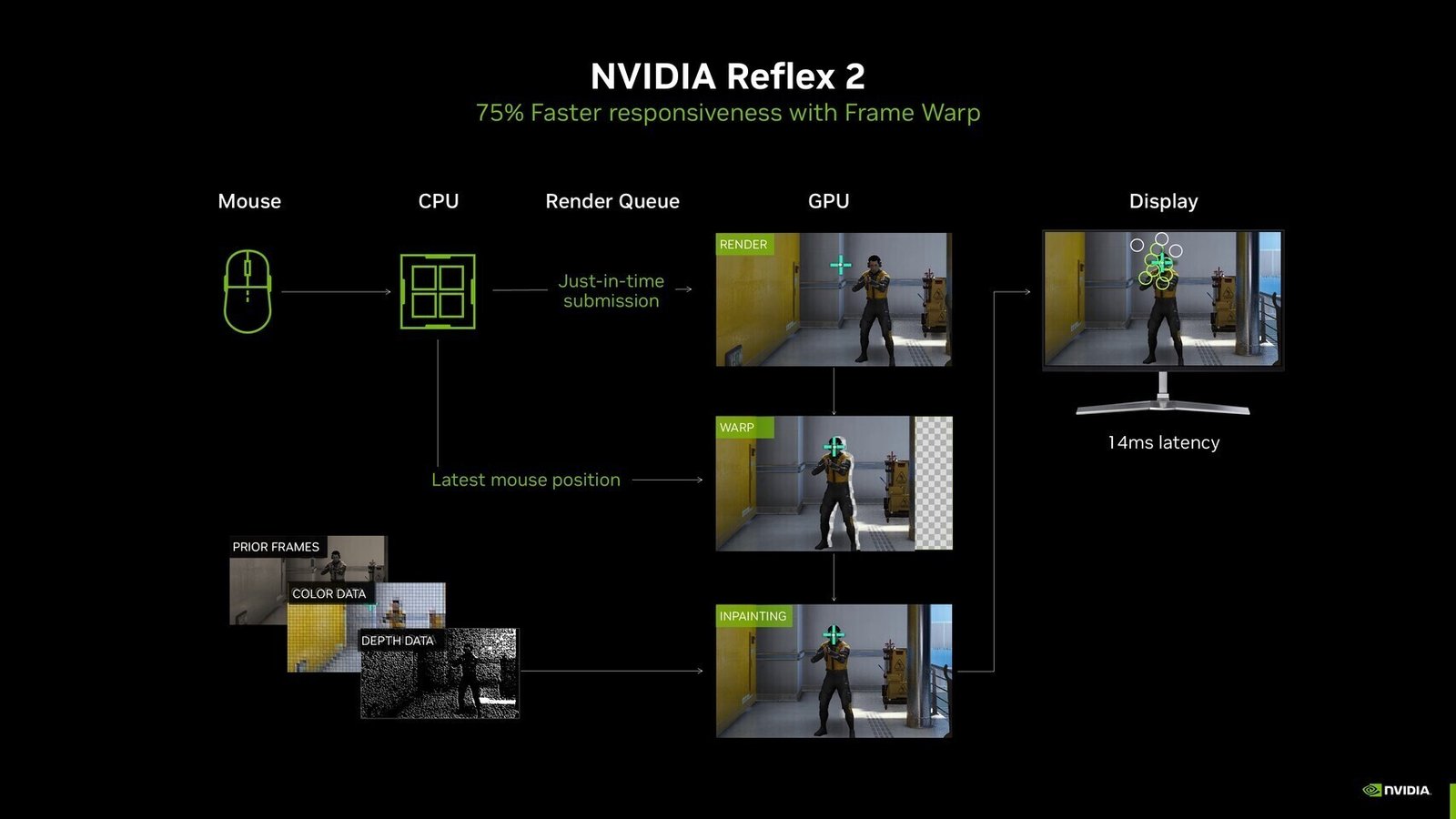
In official testing with an AMD Radeon RX 7900 XTX, AMD Ryzen 7 9800X3D, and 64 GB of system RAM, the Korthos Software team evaluated games such as THE FINALS, Counter-Strike 2, Cyberpunk 2077, Resident Evil Requiem, Marvel Rivals, and Overwatch 2. Depending on the title and its official support for the technology, each game could achieve latency reduction comparable to that experienced in native Windows-based gaming environments. This reduction, amounting to a few milliseconds, is particularly important for eSports gamers, such as those playing Counter-Strike 2. Interestingly, CS2 on Linux using Anti-Lag 2 experiences lower latency compared to the same technology on Windows, but CS2 is also a Linux-native application. The additional background processing in Windows might be causing some issues there. Overall, the results are impressive.
Finally, installing this layer requires some technical know-how, as multiple variables need to be toggled and configured. Thankfully, the documentation is well-explained, and you can easily get guidance from popular AI chatbots (though caution is advised). For non-native games translated through Proton, users must enable NVAPI support for the layer to work properly. This involves setting additional environment variables, but this is also explained on the official GitHub page.