Blog
Microsoft Brings Back Windows 10-Style Taskbar and Start Menu Customization in Windows 11

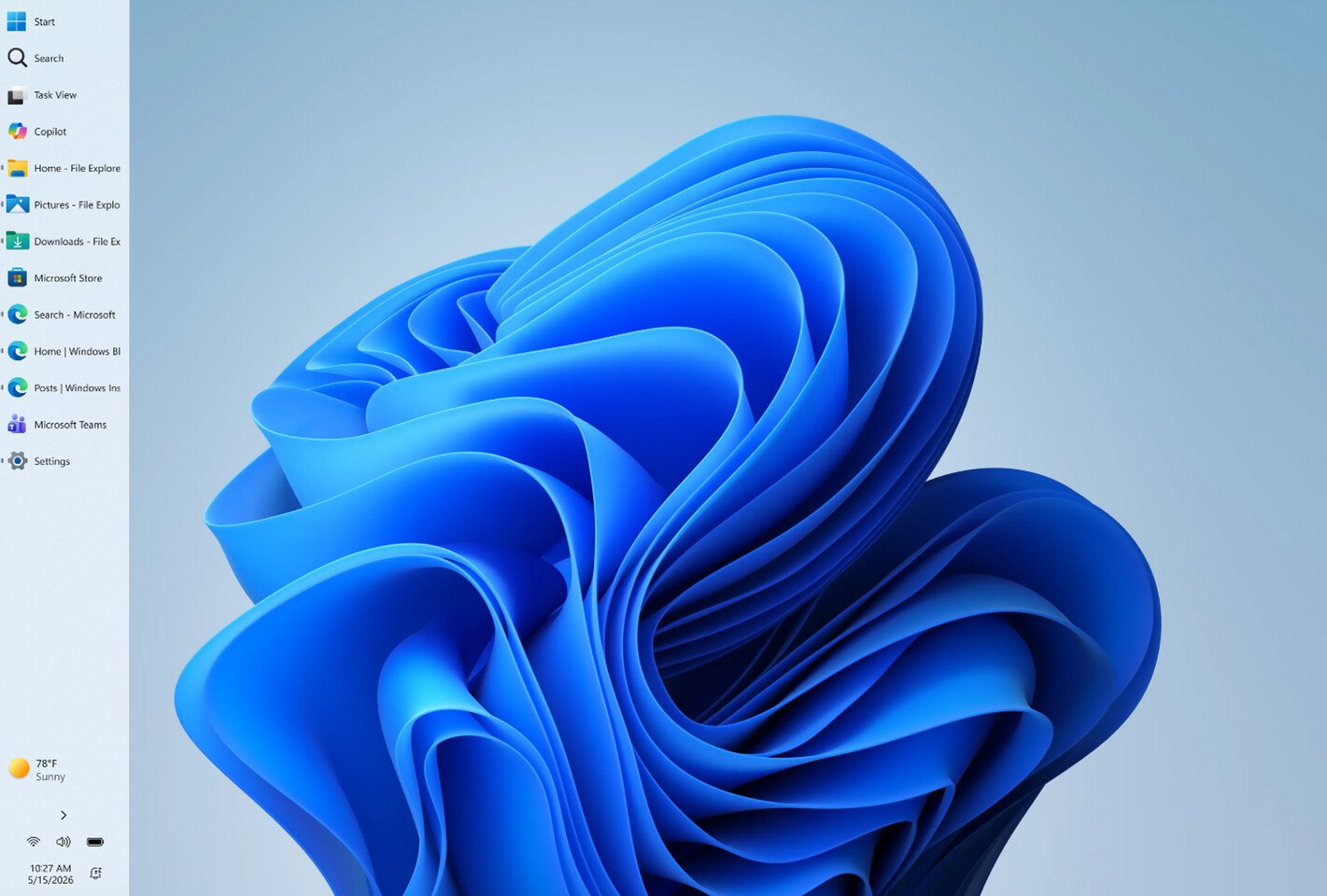
Additionally, Windows Insiders are testing a preview of the revamped Start Menu customization effort, which gives users more meaningful control over Start Menu behavior. One of the changes includes an option to choose between smaller and larger Start sizes, independently hide or show sections like Pinned, Recent, and All, and even remove their name and profile photo for extra privacy during screen sharing or presentations. Previously, these customizations weren’t possible, as Windows 11 shipped with a generic Start Menu look for every build. Just as important, Microsoft is separating Start’s file recommendations from File Explorer’s recent items and jump lists, so disabling recommendations in Start will no longer affect recent activity elsewhere in Windows. At the same time, the company is trying to make the recommendation area more useful by renaming it to Recent, keeping newly installed apps visible, and refining which files appear in that section.
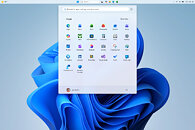
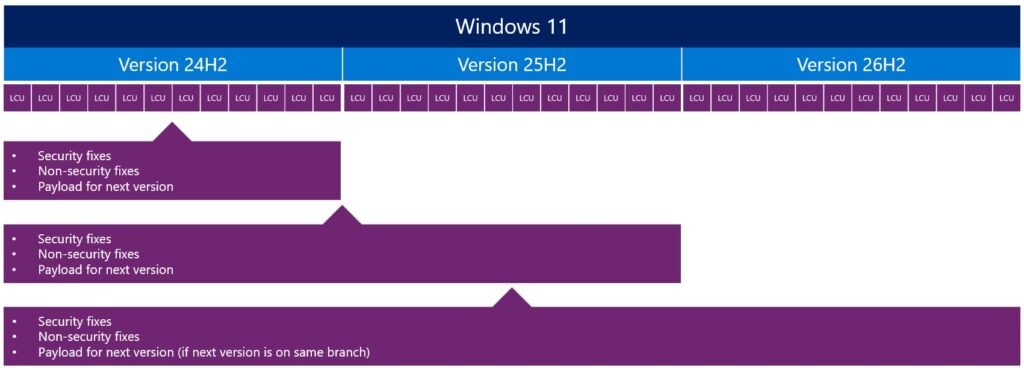
These changes are rolling out in the coming weeks for Windows Insiders, meaning that regular Windows 11 users on versions 24H2, 25H2, and 26H1 will experience them in about a month or so. By the time these updates arrive, we hope to see some of the promised Windows K2 performance and usability improvements as well. This means that the Windows 11 OS will finally integrate these much-desired changes.