Blog
Microsoft Updates ROG Xbox Ally X with Auto Super Resolution and Docked Mode Enhancements

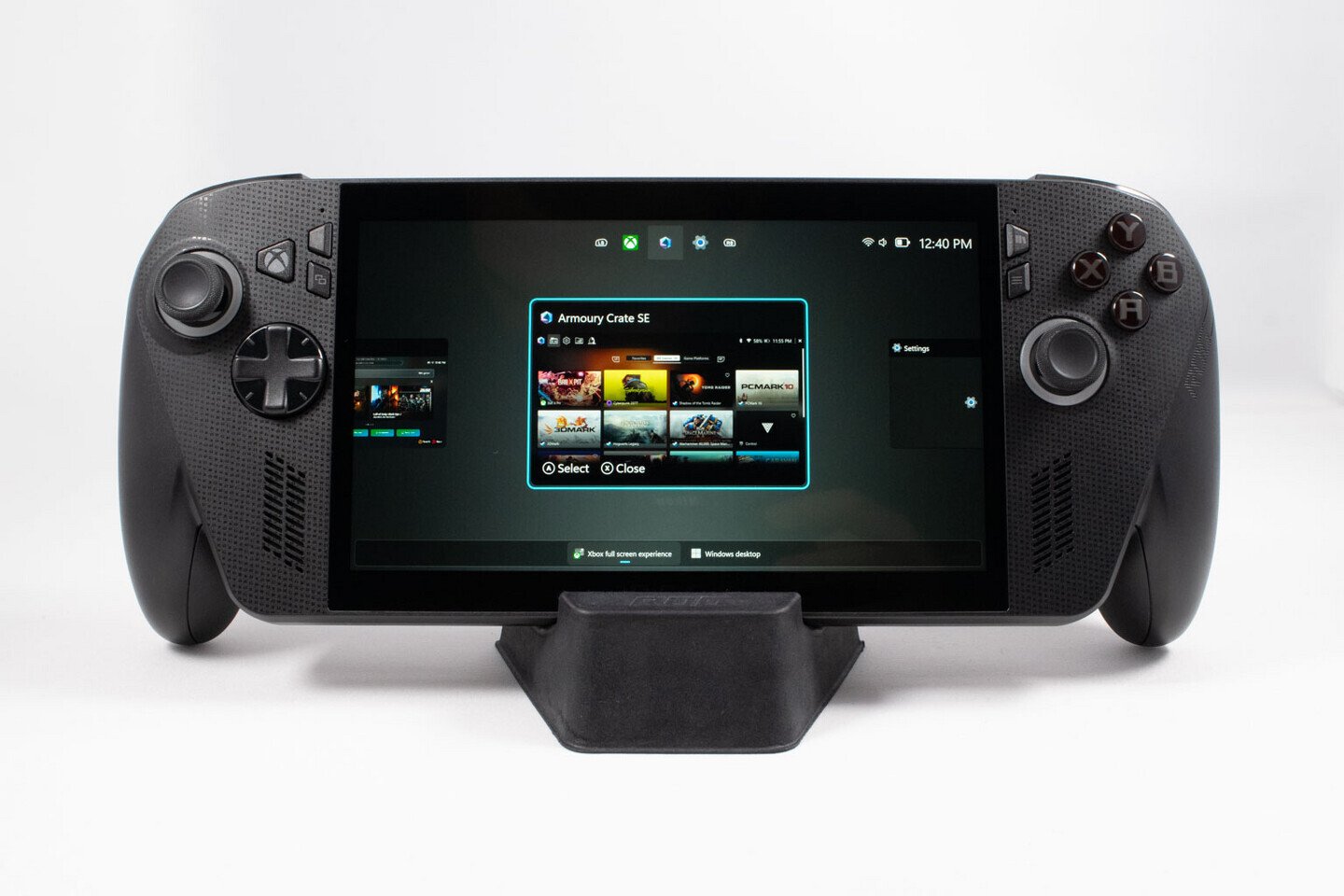
[Editor’s note: Our in-depth review of the ASUS ROG Xbox Ally X is now live]
Aside from Auto SR, the ROG Xbox Ally also gets the gamepad cursor we previously covered, streamlined controller pairing for docked play, a display widget in Game Bar, where you can quickly adjust display settings, and a handful of automatic enhancements for smart TVs. For starters, when players connect to an external display or TV, the ROG Xbox Ally will now turn off the built-in screen and default to the TV for output. If the connected TV happens to be a smart TV from Samsung, LG, or Vizio, the ROG Xbox Ally will automatically enable certain features on the TV, like Auto Low Latency Mode, Auto Game Mode, or Game/PC Mode. The library consolidation features we previously covered have also officially been added to the Xbox PC App, allowing you to use the ASUS ROG Xbox Ally in handheld mode exclusively if you would like to.