Blog
Why UPDF Is One of the Most Practical Adobe Alternatives Right Now

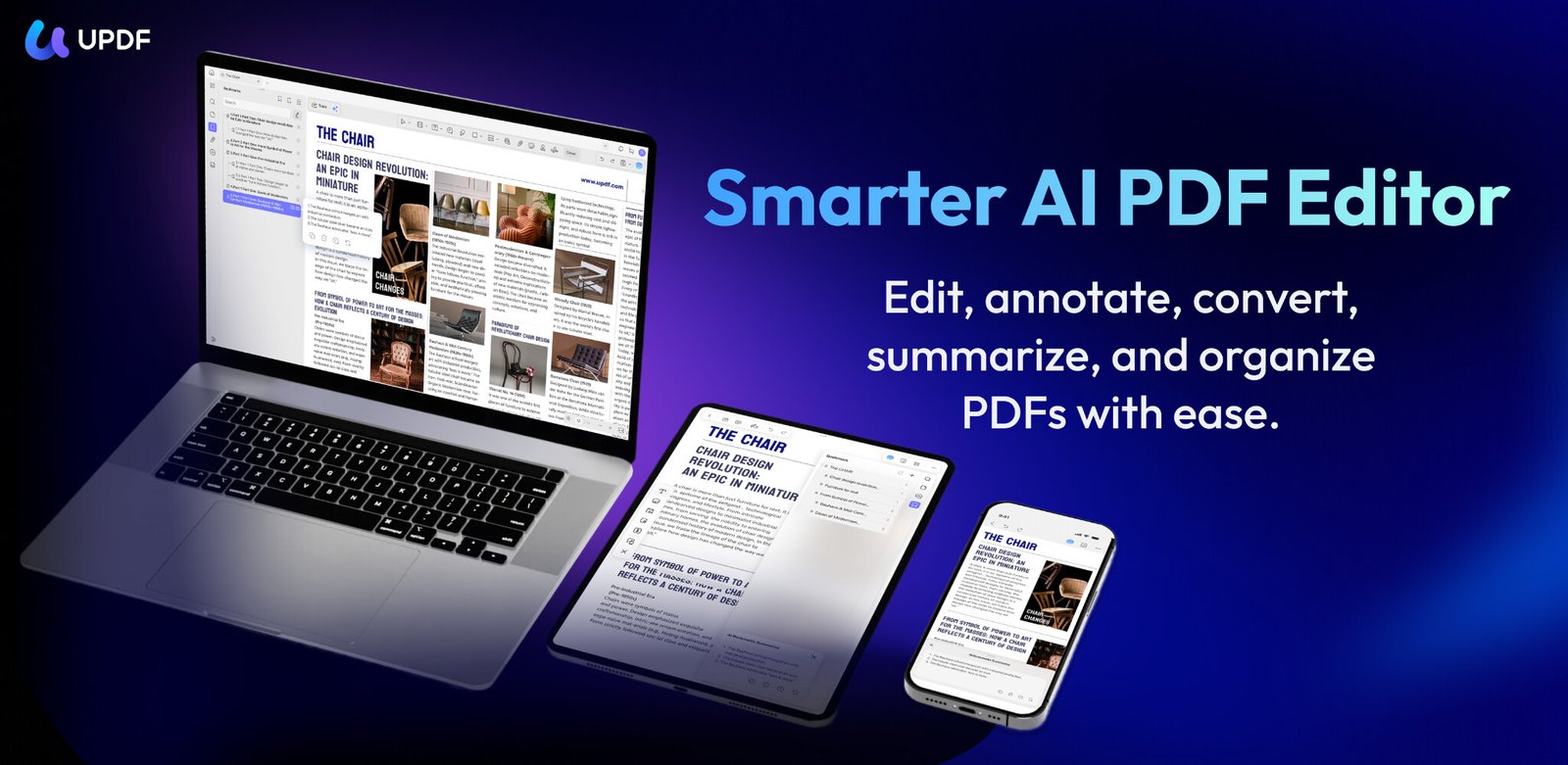
UPDF positions itself as exactly that kind of alternative. Available on Windows, Mac, iOS, and Android, it offers a cross-platform workflow that fits naturally into both desktop and mobile use. It also brings in AI-assisted tools for editing and document interaction for convenience without pushing the product into unnecessary complexity.
Get UPDF from the official website and secure the current offer before it expires.
What You Can Already Do with UPDF
Before AI enters the picture, UPDF PDF editor already works as a complete document tool in its own right. Rather than resembling a basic viewer with a few extra features layered on top, it handles the core tasks most users need for everyday PDF work.

Edit and Update PDFs Directly
UPDF lets users edit text, images, and links inside a PDF, useful for reports and presentations. Instead of returning to the source file for small revisions, users can make updates and keep documents current.
Read and Annotate
For review workflows, UPDF includes the annotation tools most teams use every day. Users can annotate PDFs with highlights, comments, notes, and stamps, making it easier to flag revisions, mark key sections, and share feedback clearly.

Convert and Recover Content
UPDF also handles conversion and recovery well. PDFs can be exported into editable formats like Word, and OCR turns scanned files into searchable and editable documents. That is particularly useful for archived paperwork and image-based files.
Handle Forms, Signatures, and Security
Forms and approvals are built into the same workflow. Users can fill in forms, add signatures, and protect files with passwords and redaction tools when documents include sensitive information.
Manage Document Structure
UPDF also gives users solid control over page organization. Files can be merged, split, and adjusted without leaving the application to make it easier to keep larger documents organized.
Together, these are the functions most people expect from a modern PDF editor. That alone makes UPDF a practical option even before its AI features come into play.
How UPDF Makes Document Work Smarter with AI
In everyday document work, UPDF AI helps streamline the parts of PDF handling that usually take the most time, especially reading, searching, and navigating long files.

Smarter Navigation and Understanding
These tools make long PDFs easier to navigate and faster to understand, reducing the time spent scrolling through dense documents.
- AI Bookmark Generator: builds a clearer structure for quicker navigation between sections.
- AI Bookmark Summarizer: provides short section-level summaries to help users grasp key content.
- AI Semantic Search: finds results by meaning instead of exact wording when the precise term is not clear.
- AI Page Organizer: identifies blank, rotated, and disordered pages and fixes layout issues.
Knowledge Restructuring and Research Support
For deeper reading and research workflows, UPDF AI tools help turn dense material into clearer takeaways and actionable insights.

- Scholar Research: surfaces relevant studies from credible sources and condenses them into concise summaries to cut down the need to revisit entire documents.
- PDF to Mind Map: turns long passages into visual mind maps that simplify learning, planning, and project organization.
- AI PDF Summary: generates focused summaries of full PDFs or selected sections to review key points without losing context faster.
More Natural Editing and Interaction
UPDF also uses AI to make document editing feel more natural and less repetitive.
- AI Translate PDF: can translate full PDFs into 26 languages while preserving layout and overall readability.
- UPDF Copilot Agent: lets users issue simple prompts and have the relevant actions handled directly in the document.
- AI PDF Editor: supports grammar correction, tone refinement, and draft continuation, helping users revise content without interrupting the workflow.
Cleaner and More Polished Output
In longer review cycles, visual clarity matters just as much as editing accuracy. UPDF uses AI here to make documents easier to mark and present.
- AI Watermark Creator: builds custom watermarks from simple prompts and applies them consistently across pages.
- AI Stamp Creator: generates clear approval and revision stamps that keep document status visible across the workflow.
- AI Background Generator: helps clean up or replace distracting backgrounds to improve readability in denser reports.
- AI Sticker Maker: adds small visual markers for questions, tasks, or follow-up points without adding unnecessary clutter.
Why UPDF Is Easy to Recommend
Adobe Acrobat remains the top-known name in the PDF software lineup. Yet, for many users, it can feel heavier and more expensive than everyday document work requires. Other PDF tools exist, but some still fall short in editing depth, usability, or platform support.
What Makes UPDF Stand Out
UPDF stands out by taking a more practical approach.
- Complete Toolset: It covers editing, OCR, annotation, signing, security, and page management in one consistent place.
- Smooth Across Devices: Users can move between Windows, Mac, and Mobile App without changing habits.
- Practical Intelligence: AI features support real tasks like searching, structuring, and polishing, instead of adding flashy distractions.
Why UPDF Feels Like a Better Value
UPDF is also easier to justify on value. It costs a fraction of Adobe’s price, with plans starting at $49.99 per year. One purchase lets me use it on four devices, aligning my mixed-device setup. It works across Windows, Mac, iOS, and Android, and also includes a free version. A 30-day money-back guarantee and the current v2.5 launch discount of $10 add extra confidence.

Final Words
UPDF stands out by bringing together complete PDF functionality, broad cross-platform support, and AI features that add practical value to everyday document work. For users who want a more efficient and better-priced alternative to heavier PDF software, it is an easy option to recommend.
Get UPDF from the official website and secure the current offer before it expires.