Blog
Microsoft is Rolling Out Windows 11 Performance Boosting Update

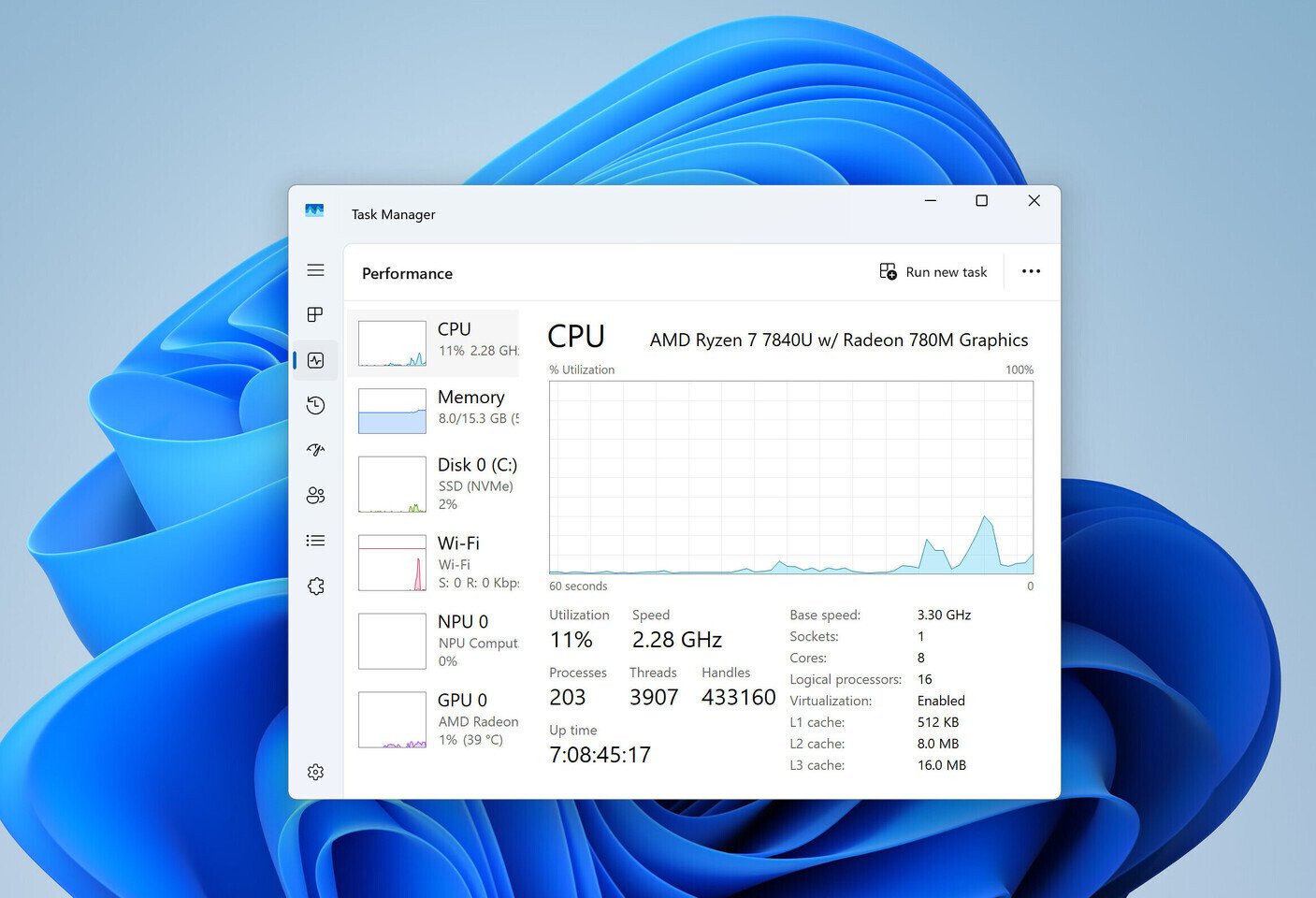
To take advantage of this performance boost, go to Settings > Windows Update > Advanced options > Optional updates, and install the KB5089573 (Build 26200.8524) for your Windows 11 system. However, it’s important to note that if you don’t notice an immediate difference, there’s no need to worry, as the change may not be applied right away. Microsoft uses a Controlled Feature Rollout (CFR) method, which involves downloading an update but only activating it once the system is ready. The underlying change is present, but the OS will monitor the system before fully implementing it.
Regarding the LLP, the boost is applied in short bursts of up to three seconds. It is expected that the performance benefits and overall smoothness will outweigh potential issues. These issues might include elevated CPU frequency during lighter tasks and general OS usage, which could result in slightly higher temperatures overall. This Low Latency Profile feature is reminiscent of Microsoft’s previous efforts when the company started preloading the File Explorer application at startup. Late last year, Microsoft explored this option, which had minimal impact on overall application launch speed. Since Microsoft cannot preload every application on Windows 11, the company is now exploring ways for the CPU to handle the heavy lifting, but only in short bursts that should not be very noticeable to the end user.