Electronics

EloShapes Adds 3D Models to Compare Mouse Shapes in a Web Browser

EloShapes Adds 3D Models to Compare Mouse Shapes in a Web Browser
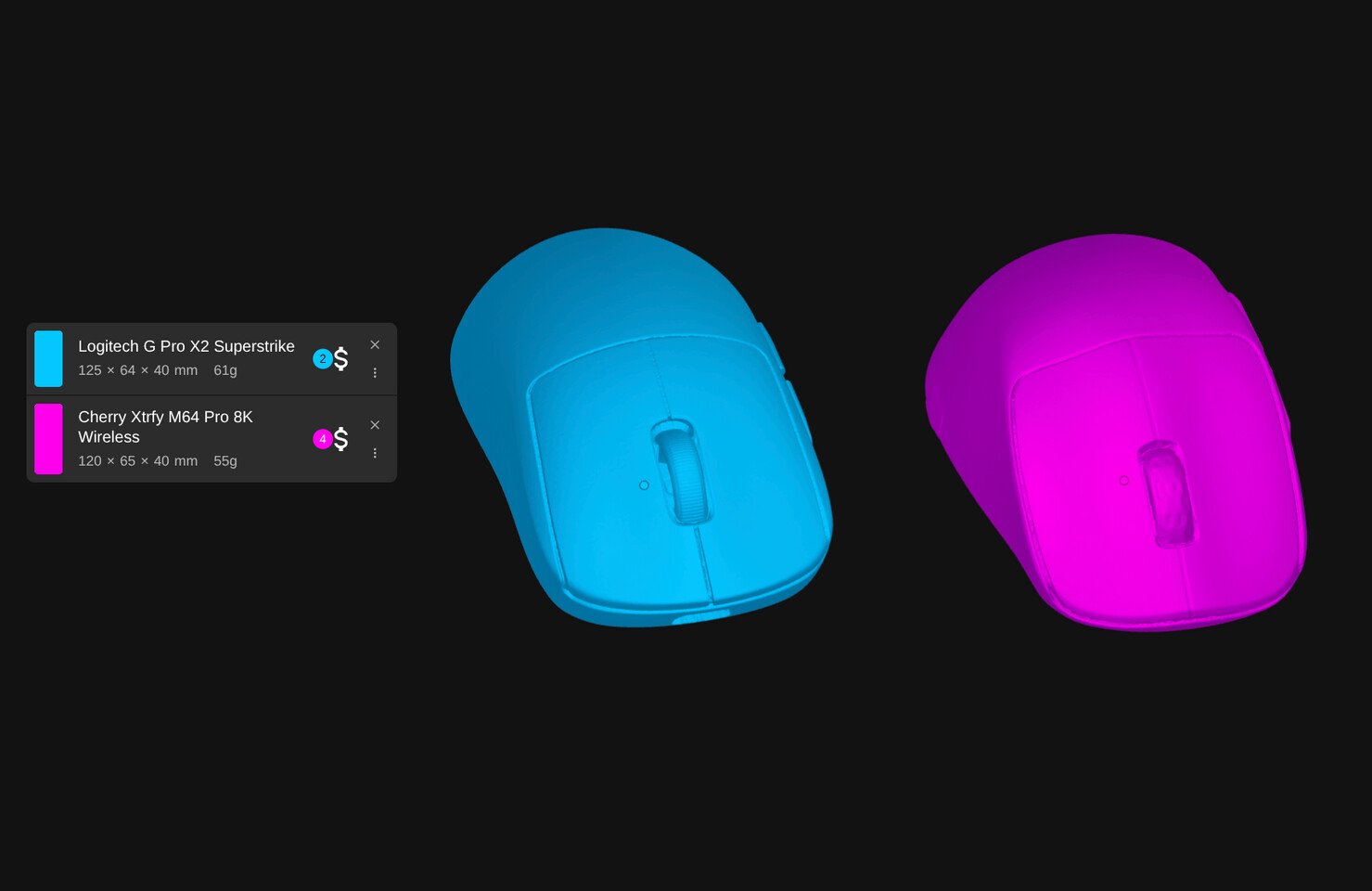
Mouse comparison website, EloShapes has long been an indispensable tool for gamers—and productivity users—to compare shapes when shopping for a new mouse, but it has previously only worked with the outlines of the mice in its database. This was a good solution, but as of a recent announcement, the developer behind EloShapes has started providing 3D models for shape comparison, making it far easier to spot small differences in contours and complex geometry that would have otherwise been hidden in the silhouette view. In the EloShapes search drop-down, you can see which mice models have 3D models available with a simple little icon that appears next to the mouse’s name. At the time of writing, there does not seem to be a way to download the 3D models to 3D print a mock-up shape to test ergonomics and fit, but there is a lot of demand for it in the responses to the announcement of the feature.

The new 3D model comparison feature in EloShapes is based on 3D scans of real production units of gaming mice, and it allows you to very quickly compare two or more mouse shapes by overlaying the models over one another. It’s a surprisingly complete tool for comparison. It allows you to switch between solid and shaded views to see how the shapes compare when superimposed over one another; there’s a built-in ruler to measure features; and it allows you to change the alignment, position, and rotation of the mice to compare based on different datums or reference points. The model even indicates the sensor location, so that you can see if there is going to be any weirdness in the way the mouse feels to aim. The creator of EloShapes said in the announcement on X that there are a number of mice available on the comparison site, and that the collection would grow consistently over time.


Leave a Reply

Your email address will not be published. Required fields are marked *